To use a DLL, it first has to be loaded into the process; then its functions can be used
Creating a DLL
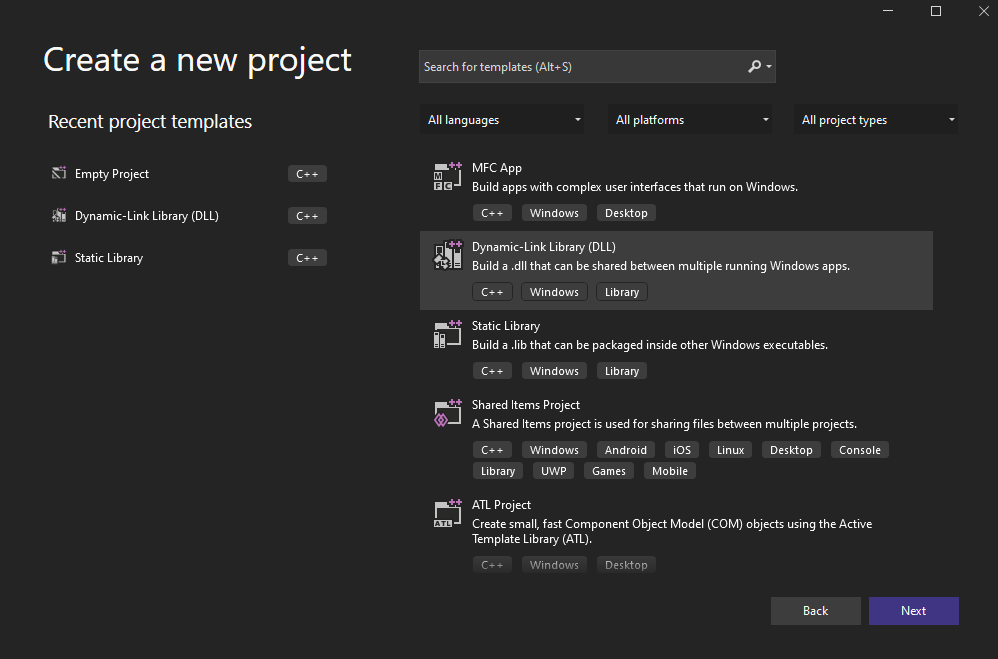
Visual Studio: new project of type Dynamic-Link Library (DLL)
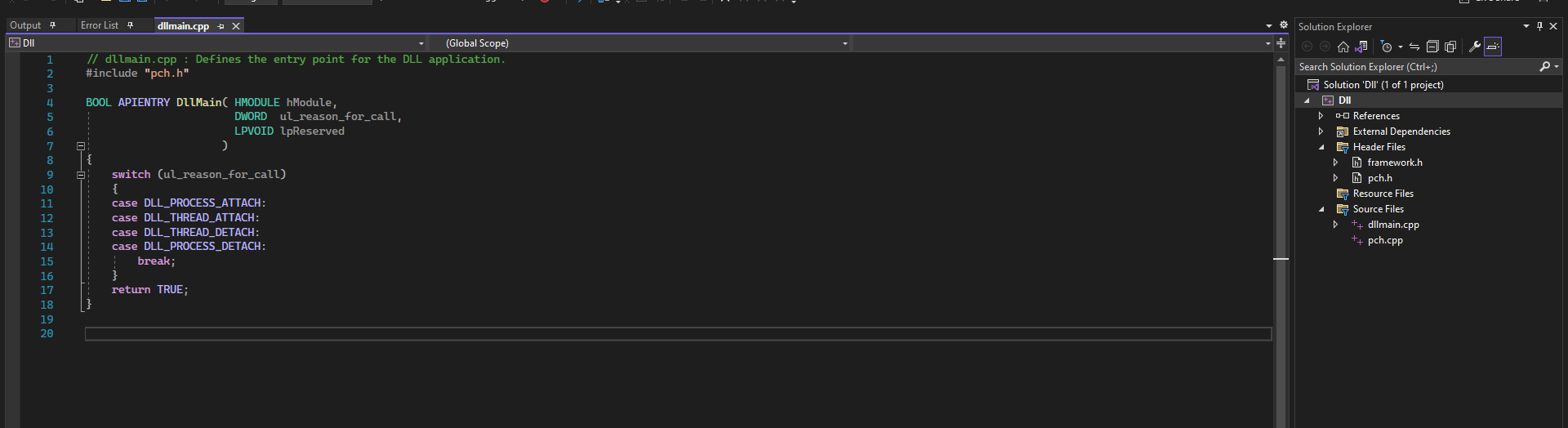
The dllmain.cpp generated by the template
We can rename dllmain.cpp to dllmain.c
Removing precompiled headers
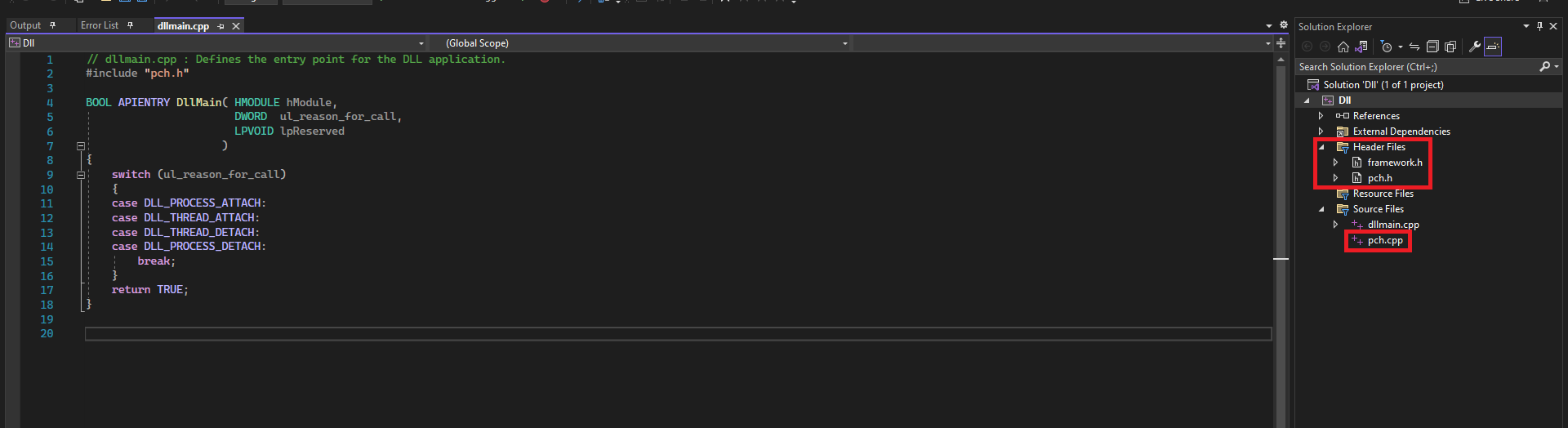
The project may come with framework.h, pch.h and pch.cpp, but they are not needed and can be deleted
The template files that can be deleted
After deleting them, we adjust the properties
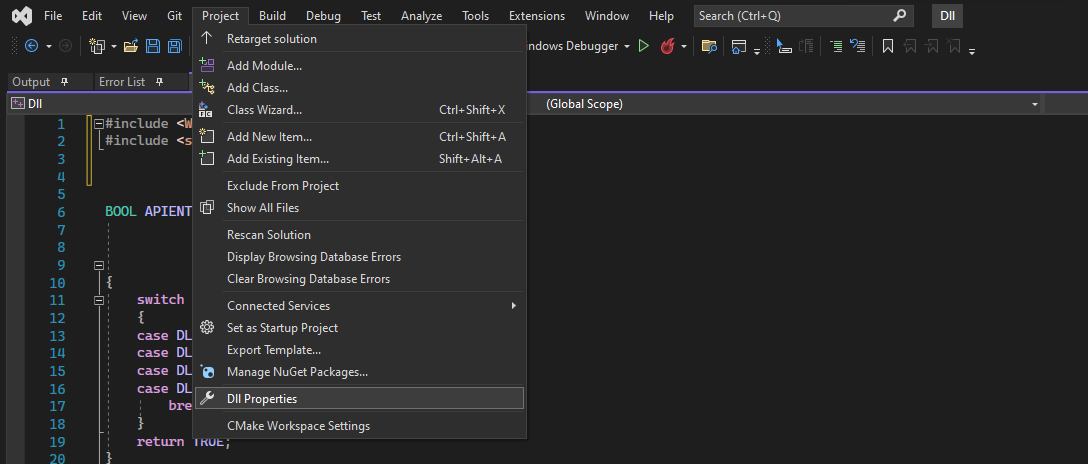
Project menu, Properties option
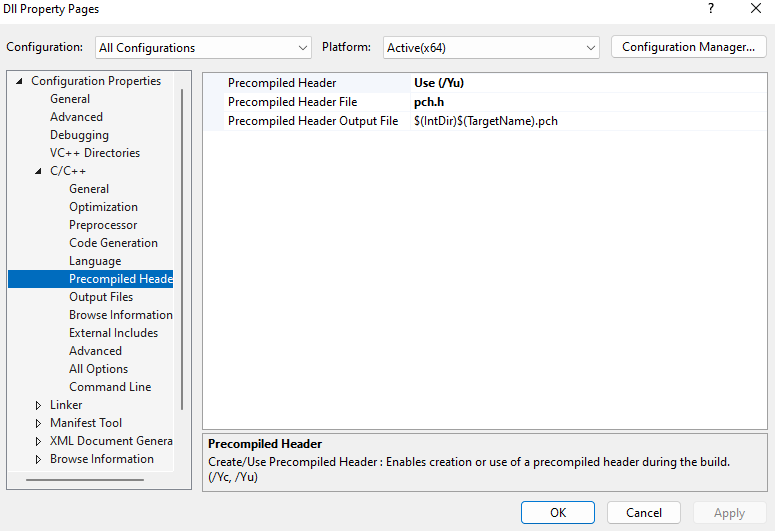
Project properties: Precompiled Header set to Use (/Yu)
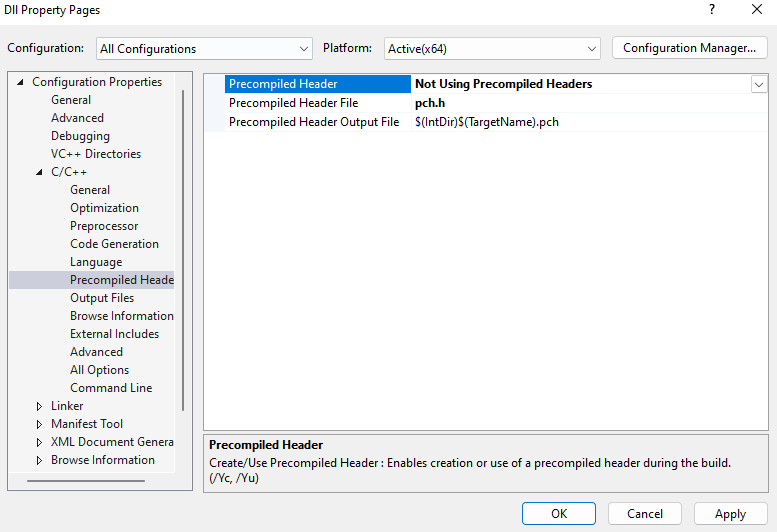
It is changed to Not Using Precompiled Headers
Exporting a function
c
#include <Windows.h>// Exported functionextern"C"__declspec(dllexport) VOID WINAPI HelloWorld(VOID)
{
MessageBoxA(NULL, "Hello, World!", "DLL Message", MB_ICONINFORMATION);
}
// Entry point for the DLL
BOOL WINAPI DllMain(HMODULE hModule, DWORD ul_reason_for_call, LPVOID lpReserved)
{
switch (ul_reason_for_call) {
case DLL_PROCESS_ATTACH:
case DLL_THREAD_ATTACH:
case DLL_THREAD_DETACH:
case DLL_PROCESS_DETACH:
break;
}
return TRUE;
}
Listing exported functions
terminal
dumpbin /exports sampleDLL.dll
Load-Time Linking vs Run-Time Linking
Load-time: Windows loads the DLL when the program starts, before main. You call the function directly (MessageBoxA(...)) and the compiler records it in the .exe's IAT. If the DLL is missing, the program does not even start.
Run-time: you load the DLL whenever you want with LoadLibraryA, look up the function with GetProcAddress and call it through a function pointer (typedef + cast). If the DLL is missing, LoadLibraryA returns NULL and you decide what to do. When you are done, FreeLibrary.
Method used: Run-Time
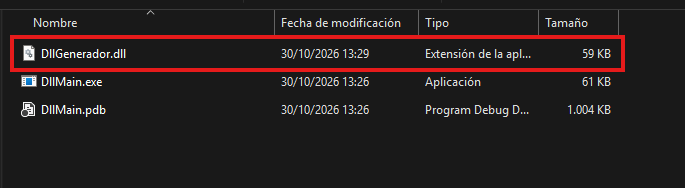
The generated DLL next to the executable that loads it
c
#include <stdio.h>#include <Windows.h>// Function type matching the DLL export: VOID WINAPI HelloWorld(VOID);typedefVOID(WINAPI* fnHelloWorld)(VOID);
intmain() {
// Load the DLL
HMODULE hModule = GetModuleHandleA("DllGenerador.dll");
BOOL loadedManually = FALSE;
if (hModule == NULL) {
hModule = LoadLibraryA("DllGenerador.dll");
if (hModule == NULL) {
printf("[!] LoadLibraryA Failed With Error: %lu\n", GetLastError());
return -1;
}
loadedManually = TRUE;
}
printf("[+] DLL loaded successfully, handle: 0x%p\n", hModule);
// Get a pointer to the memory address of the DLL's HelloWorld and store it in pHelloWorld
PVOID pHelloWorld = GetProcAddress(hModule, "HelloWorld");
if (pHelloWorld == NULL) {
printf("[!] GetProcAddress Failed With Error: %lu\n", GetLastError());
if (loadedManually) FreeLibrary(hModule);
return -1;
}
// Cast the memory address so it matches the function type above
fnHelloWorld HelloWorld = (fnHelloWorld)pHelloWorld;
// Run the functionHelloWorld();
if (loadedManually)
FreeLibrary(hModule);
return0;
}
RunDLL32
terminal
rundll32.exe <dllname>, <function exported to run>